
MSPanel AI
AI-assisted infrastructure control
MSPanel manages sites, servers, databases, SSL, firewalls, and VPNs across your own infrastructure — no vendor lock-in, no per-site license fees. RM799 one-time gets you the full panel plus an AI assistant that can act on your infrastructure with your approval, from the desktop or a native mobile app.
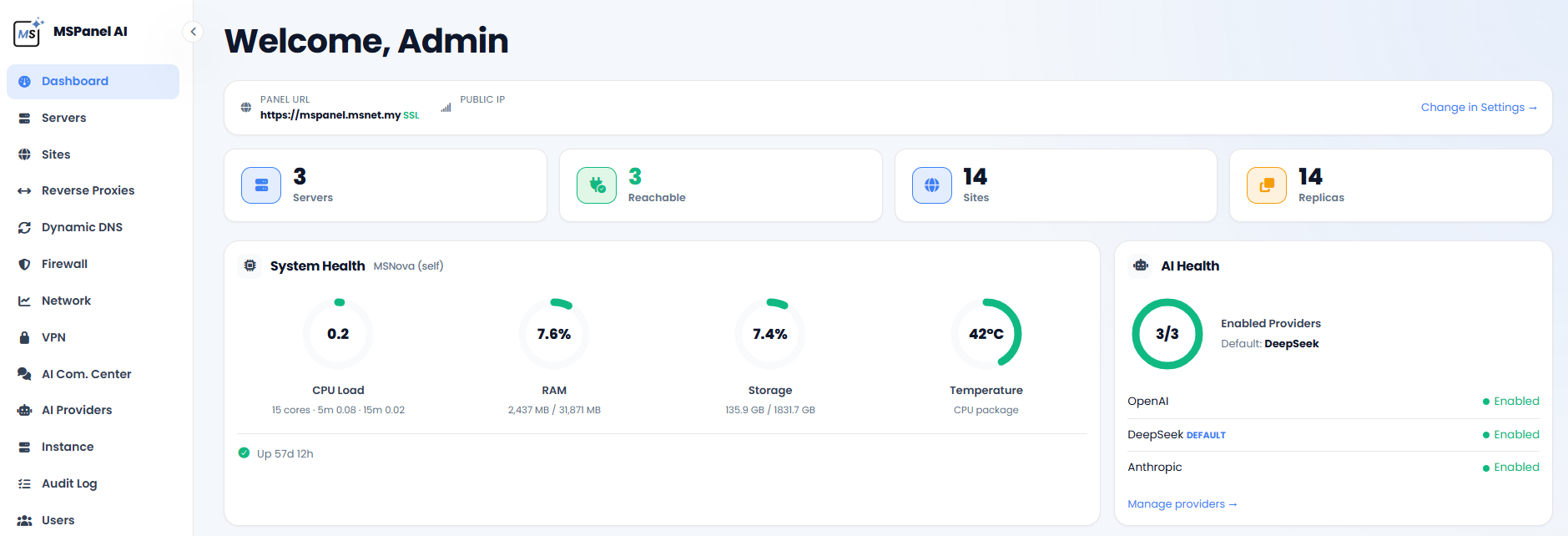
The real dashboard — your own panel shows your own servers, sites, and health data.
Everything below runs on servers you control — your VPS, your dedicated box, or an existing shared-hosting account.
One-time. Not a subscription — pay once, keep it forever.
Everything you need to run real infrastructure, plus the AI assistant
Unlimited servers and sites under this instance
Running MSPanel for more than one client or box
5 separate Pro license keys, one purchase
A demo or a testing install before you decide
We can set you up with a free trial install
Registration confirms your email — your install command and payment are the next step, no separate checkout to hunt for.
| Domain | Server | PHP | SSL | Status |
|---|---|---|---|---|
| shop.example.com | Primary | 8.3 | Issued | Active |
| blog.example.com | Primary | 8.4 | Issued | Active |
| app.example.com | Standby | 8.3 | Issued | Replica |
| docs.example.com | cPanel | 8.2 | Issued | Active |
Every site across every server (or shared-hosting account), in one list — click into any of them for File Manager, Cron Jobs, Databases, SSL, and the Web Application Firewall.
From nothing to a working panel on your own domain, in four steps.
Want a second server as a live standby? There's no separate installer for that — run the exact same install command on each server, then use the panel's built-in Replication feature to link them together.
Metered access to real AI models — no OpenAI/DeepSeek/Gemini account of your own, no card fees for a small monthly spend. Pay as you go (top up anytime) or ask about a monthly plan.
Registration takes a minute — confirm your email, then RM799 one-time unlocks your install command and the full panel, AI assistant included.
Get MSPanel →